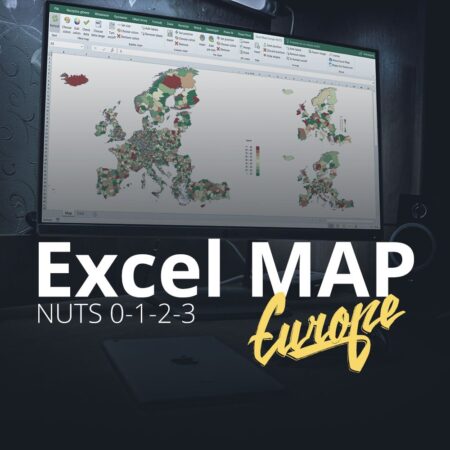
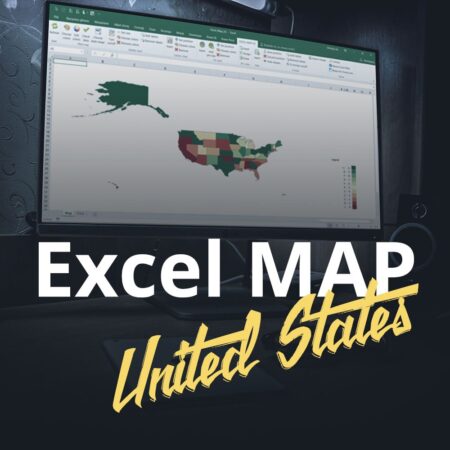
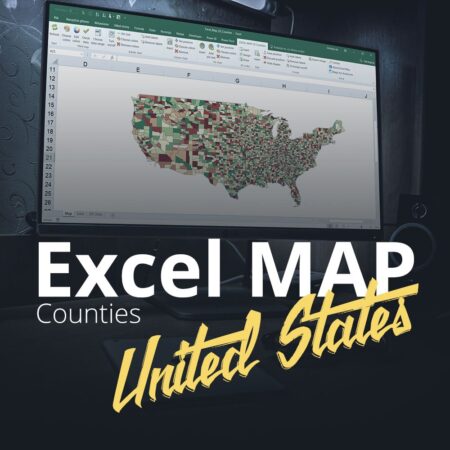
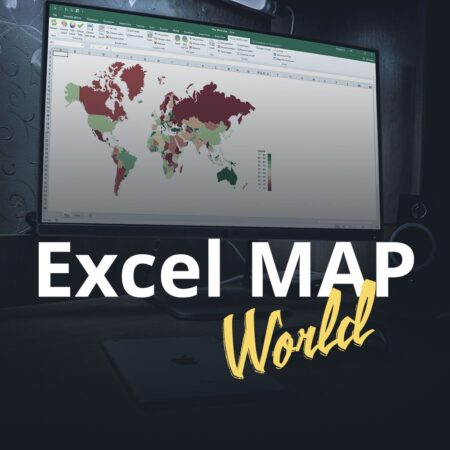
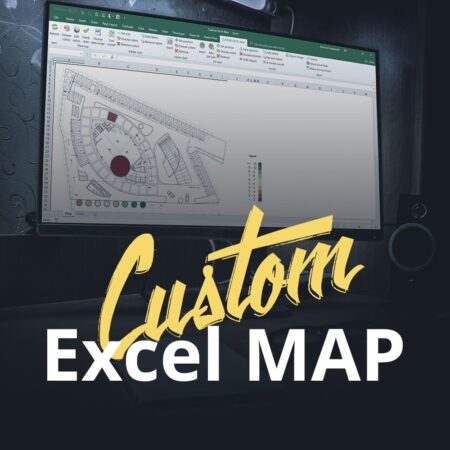
Excel Map Germany
from €299

Visualize sales by region, compare performance and build custom territories in a ready-made Excel workbook. Paste your data and work with your map inside Excel.
Desktop Excel on Windows · macros required · from €299 excl. VAT

Trusted by teams at














Every map is a single Excel file (.xlsm) with a ready-made interactive dashboard — you paste your data and the map draws itself.

Color regions by any value — sales, market share, plan completion or KPI status — with a dynamic legend and your own color scale.

Place proportional bubbles over any territory to show volumes, hot spots and gaps at a glance. Perfect for management reviews.

Build your own sales territories from smaller units or report by postal codes — the map aggregates your data automatically.
Explore examples of our Excel maps for Europe and beyond. Need a different territory? Ask us about a custom map.
Prices exclude VAT. See map coverage · Compare licenses
Choose your country and license size (1 / 3 / unlimited PC). Email contact@maps-for-excel.com or call +48 500 196 861 to discuss your order.
We confirm the map coverage, license, price and billing details with you by email or phone, then issue a VAT invoice with a 14-day payment term.
The .xlsm file arrives in your inbox within 24 hours of order confirmation — plus a free one-hour online consultation to get you started.
Test the exact software you will get after purchase — with a free demo, a full trial on request, or a demo built around your own data.

Limited to Baden-Württemberg, but the interface, ribbon and dashboards are exactly what you get in the full version.
The download contains an .xlsm workbook. Extract the ZIP and open it in desktop Excel on Windows. If macros are blocked, follow Microsoft’s guidance for trusted files or contact your IT team. Keep your organization’s security settings in place.
We can create a demo map for you. Just send us your data and see your own territory, sales areas and postcodes visualized before you decide.
Order a demo with your data →Check the available shape lists and reference tables, then ask us to confirm the exact administrative divisions and postal code coverage for your map.
View map coverage →You pay only for creator licenses — readers are always free. Every license is a one-time payment, no subscription. Prices below are per ready-made map, excluding VAT. Custom projects are quoted individually.
One creator working on one computer
one-time, per map · excl. VAT
A small reporting team sharing one license pack
one-time, per map · excl. VAT
Unlimited creators across your organization
one-time, per map · excl. VAT
For Excel 2019, 2021, 2024 or a managed virtual desktop, confirm your exact environment with us before ordering.
Not sure about your environment? Ask us or try the free demo version first.
Over 100 well-known companies have been using our map files for more than 10 years. Here is what you get with every license.
Used daily by 3M, Deutsche Bahn, Aviva, Bosch, Coca-Cola, Siemens, Sony, UBS, Volkswagen and many more.
Pay once, use forever. No subscriptions, no hidden fees, unlimited reporting for a single one-time payment.
Video guides, documentation and a real person answering your emails — the author supports every license.
If you can paste data into a spreadsheet, you can run the map. Basic Excel skills are all it takes.
One .xlsm workbook with built-in macros. Open it in desktop Excel on Windows, with macros allowed by your organization.
Your own regions, colors, KPI thresholds, names and layout — tailor every element to your company standard.
Email contact@maps-for-excel.com or call +48 500 196 861. Tell us the map, license size and billing details. We confirm the scope and price personally, then send your invoice and deliver the workbook within 24 hours of order confirmation.
Yes. Download the free Germany demo, covering Baden-Württemberg, and test it in your own Excel environment before ordering.
Yes, the product is an .xlsm workbook for desktop Excel on Windows. It does not run in Excel for Mac, in a browser or on a phone. Your organization must allow the workbook’s macros. Ask us if you need help confirming compatibility.
Choose 1 PC, 3 PC or unlimited creator installations within one organization. Readers of the reports are free. Read the license terms for sharing and distribution rules.
Your license continues to work. Free updates are included for 12 months; later updates are optional, at 25% of the current license price per year. Email support is included. See the terms.
Custom regions and postcode reporting are available. Before ordering, describe the country, source data and boundaries you need so we can confirm the appropriate map and scope.
Analysts, controllers and managers from companies of every size use our maps and trainings in their daily reporting.
“We use the software for analytical purposes and participated in the training. We recommend the services as an honest and reliable partner.”

“In 2012 we purchased the software, then extended its possibilities and built an interactive analytical dashboard fitted to our needs. We confirm this is a reliable partner for cooperation.”

“The main asset of the training is its unique character. Most courses teach operating software like Excel or PowerPoint — this training combines software skills with their actual application in business, with great concern for effectiveness.”

“During the training many interesting exercises and practical analyses of examples were presented, allowing participants to translate theoretical solutions into practical applications.”

“I had been intensively looking for such training for a long time — it seems to be the only one on the market that covers presenting data to ‘non-numerical’ audiences. Perfect.”

“The trainer demonstrated deep knowledge of the problems resulting from data visualization in tables and charts, presenting many examples of correct and incorrect applications.”

“I recommend the training services to everyone — courses of the highest standard: well organized, conducted in a good manner and, most of all, inspiring for the further work of an analyst.”

“The training consists of a series of practical tips and exercises with a high substantive level and an activating form. The assumed goals were fully achieved.”

“A number of services improving the quality of reporting and using visualisations to extend the perspective of analyses. Broad knowledge and a high level of understanding of our needs — we confidently recommend them as a reliable partner.”


Excel developer, BI consultant and trainer. Since 2010 I have been helping companies report by territory: my map files are used by more than 100 companies across Europe and beyond, and my trainings have been attended by analysts from over 500 organizations.
When I'm not building maps, I teach reporting and dashboard design — and chase the wind on a windsurf board.
Practical, in-house workshops (onsite or online) for analysts, controllers and managers — run by the author of Maps for Excel.
Two days from solid foundations to modern Excel 365 and AI — Copilot and ChatGPT in everyday data work. For office, finance, sales and reporting teams.
Automate downloading, cleaning and merging of data, build a data model with DAX measures — inside the Excel your team already knows, no VBA.
From raw data to interactive dashboards: Power Query, data modeling, DAX and publishing to Power BI Service — the fast track for reporting teams.
Also available: Excel automation with VBA, geoanalysis with Maps for Excel and custom workshops built around your reporting stack. Trusted by 500+ companies and 100,000+ course participants.
Learn step by step how to build impressive map reports: 12 video lessons take you from your first filled map to fully interactive sales dashboards in Excel and Power BI. Start with the first lesson below — no payment, no catch.
Watch the first lesson
Loading the video connects your browser to YouTube. YouTube may store data on your device.
Watch on YouTube insteadFirst lesson of the course · full playlist available on YouTube
Tell me which map and license you need, your company details and your Excel version. I will reply within one business day to confirm coverage, price and the next steps.